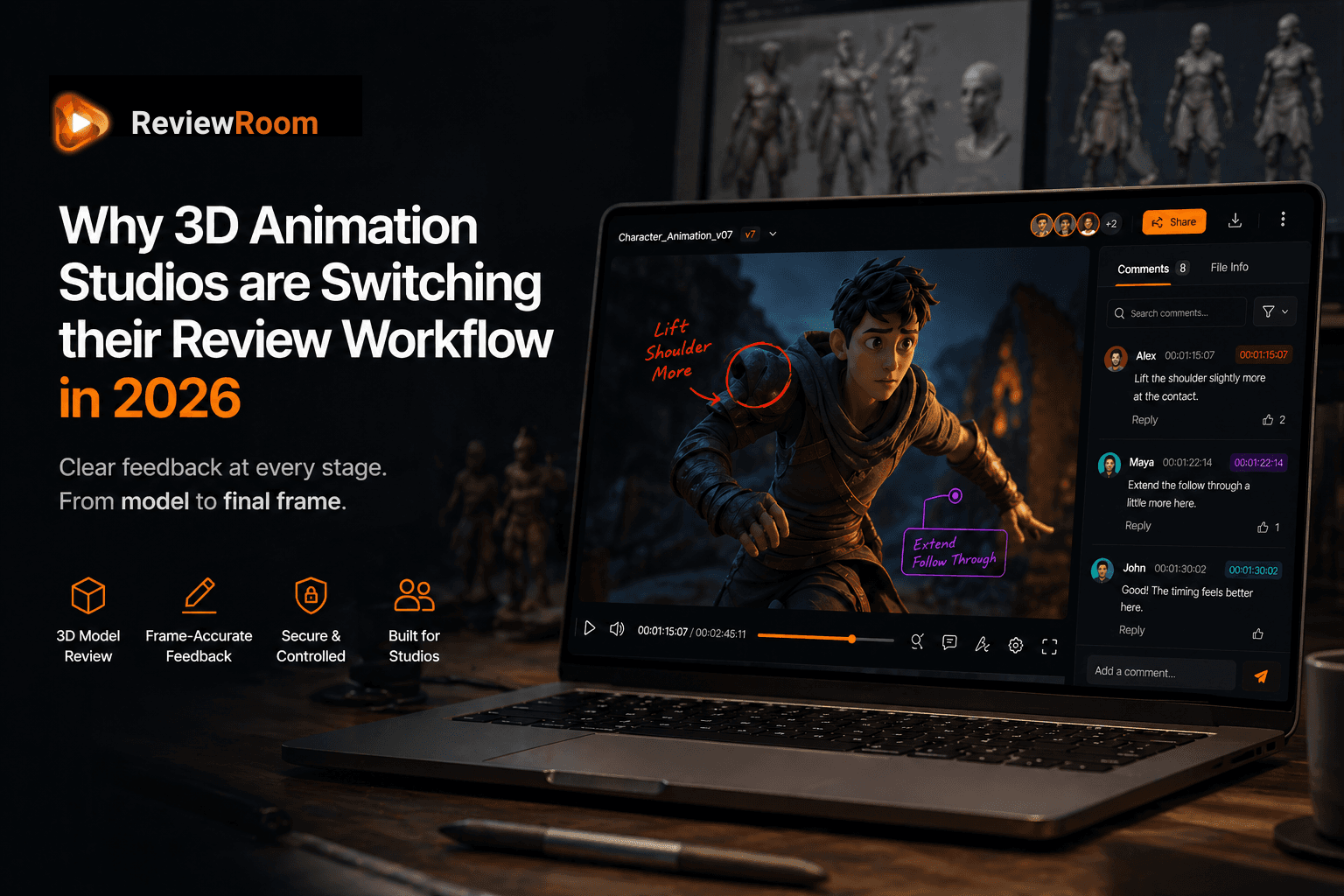
Why 3D Animation Studios are Switching their Review Workflow in 2026
Building everything from scratch means the feedback has to match the precision of the work. Vague notes are expensive in 3D animation.
A 3D artist does not press record. They do not work from existing footage or trace over a reference frame. When a studio briefs a 3D team on a new character, that character starts as a few sentences on a page. Sometimes a mood board. Often just a name and a personality.
Everything after that is built. The bone structure, the skin, the way the shoulders drop when the character sighs, the way fabric moves when they turn. Frame by frame, decision by decision. It is one of the most labour-intensive crafts in the entire production industry, and every revision touches more of the work than it appears to.
The U.S. Bureau of Labor Statistics projects employment for multimedia artists and animators to grow 5% through 2032, with studios competing on pipeline efficiency as project complexity scales BLS Occupational Outlook: Multimedia Artists and Animators a production environment where how feedback is communicated between departments is a direct competitive advantage.
Independent market analysis from Grand View Research values the global 3D animation market at USD 25.26 billion in 2024, projecting USD 51.03 billion by 2030 at a 12.3% CAGR Grand View Research: Global 3D Animation Market consistent with the hiring and investment trends reported by the BLS.
Which is exactly why the feedback process for 3D animation cannot afford to be vague.
Key Takeaways
- A vague note like 'the walk feels off' does not point to one thing. Walk cycles are made of dozens of layered decisions, any of which could be the problem. Two wrong guesses can cost a week.
- ReviewRoom lets supervisors pause on the exact frame, draw directly on it, add directional arrows, and anchor the note to that timecode. The animator sees the annotation, not a paragraph to decode.
- 3D model review in ReviewRoom lets clients rotate a model, inspect from any angle, and leave annotations tied to that exact camera position, replacing turnaround images before animation begins.
- The studios moving fastest through 3D work are not always the largest. They are the ones with tight communication at every stage of production.
What Happens When the Notes Are Not Clear
A note that says 'the walk feels off' sent to a 3D animator is not a small thing to resolve. The walk cycle in a 3D character is made up of dozens of layered decisions. The timing of each step, the shift in the hips, the counterbalance in the arms, the way the feet contact the ground. Any one of these could be what the client means. None of them is a quick fix.
So the animator makes their best guess, re-renders the sequence, processes the output files, and sends it back. If the guess was wrong, the cycle starts again. Two rounds of this on a single shot can cost a week.
The note was not bad. The client knew what they felt watching the character. The problem was that there was no way for them to show it. They could only describe it, and description leaves too much room for interpretation when the work is this precise.
Direct Annotation on the Frame Changes Everything
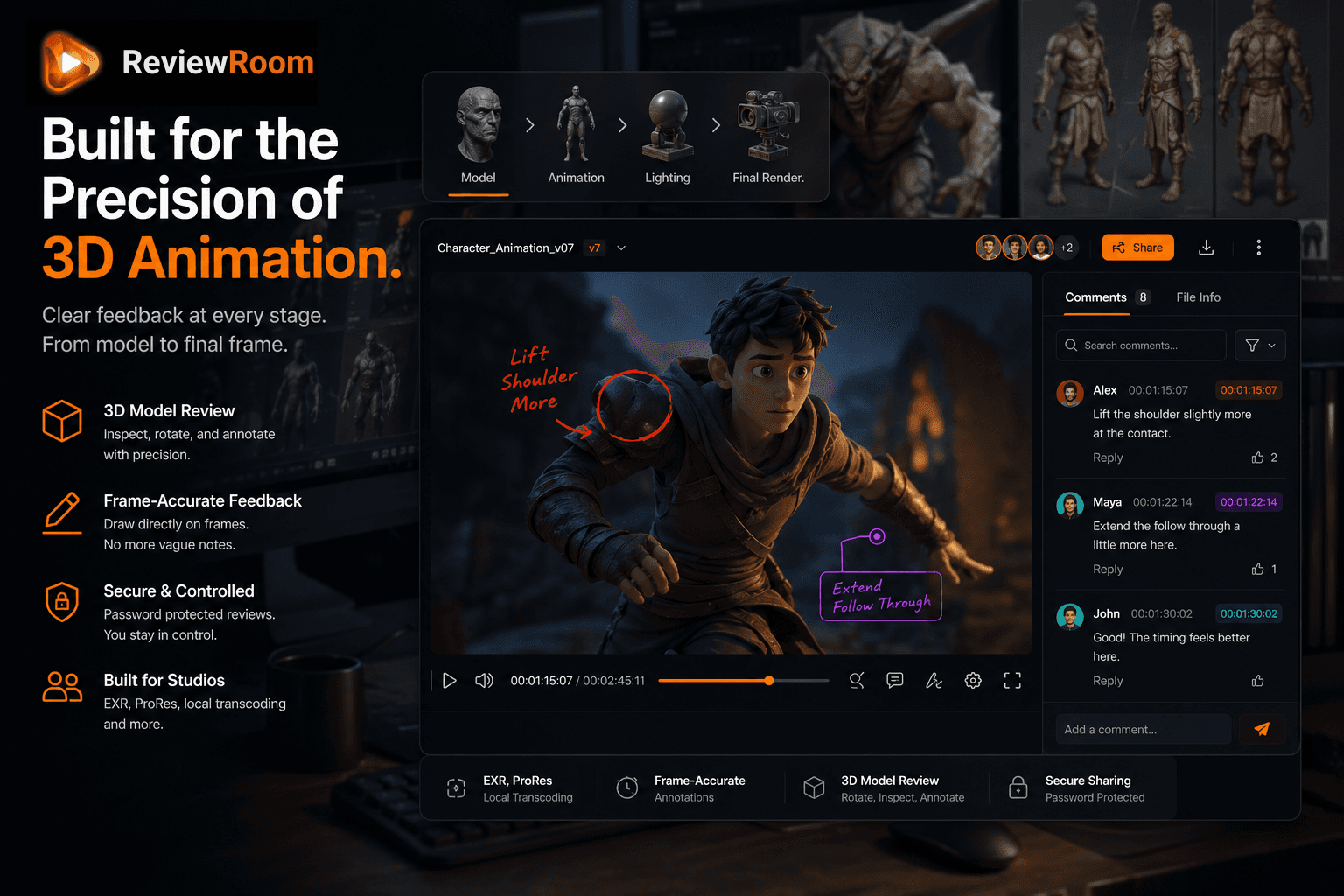
This is the core of what ReviewRoom is built around. Not just leaving a comment at a timestamp, but drawing directly on the frame you are talking about.
A supervisor watching a character performance can pause on the exact frame where the elbow breaks incorrectly, circle it, add an arrow showing the direction it should be moving, and attach a note to that specific timecode. The animator opens the review and sees not a paragraph to decode but a marked-up frame showing exactly what needs to change and where on the body it needs to change.
For environment artists, the same applies. If a light source is creating an unintended shadow across the background, the reviewer can draw on the frame and point to it directly. No back-and-forth trying to describe which shadow in which corner at which point in the shot.
This is what frame-accurate feedback actually means in practice. It is not just a timestamp. It is a mark on the work itself.
Built to Handle What 3D Studios Actually Output
Here is where 3D studios lose time that most people do not account for. Before a single frame is rendered, there is an entire stage of production where the 3D model itself needs to be reviewed. The shape of the character, the surface textures, the way the mesh is constructed underneath, the UV layout. All of this needs to be signed off before animation even begins.
The traditional approach is to render out a series of turnaround images or a quick playblast and share those for feedback. That adds time and still gives the reviewer a flat image rather than the actual model.
ReviewRoom supports 3D model review directly. A supervisor or client can rotate the model, inspect it from any angle, zoom into specific areas, and leave annotations tied to that exact view and camera angle. If the note is about a texture issue on the back of the character's hand, the reviewer turns the model to that angle, draws on it, and the note saves with that precise view attached. When the artist opens it, the model loads at that exact angle with the annotation visible.
Precision at Every Stage
3D animation is unique because the precision required does not begin at the revision stage. It begins at the brief, continues through the model review, carries through into the animation approval, and runs all the way to the final render sign-off. At every one of these stages, a vague note costs more than it would at any equivalent stage in other kinds of production.
The studios moving fastest through 3D work are not necessarily the ones with the most artists. They are the ones where the communication is tight at every stage. Clear notes, feedback that points to something specific, reviews that happen on the actual work rather than a rough export.
Frequently Asked Questions
Q: What is the best way to give feedback on 3D animation renders?
A: Draw directly on the frame. ReviewRoom lets reviewers pause a render, annotate on the specific frame with arrows and highlights, and attach a note to that timecode. The animator opens the session and sees exactly what to address, no call needed to clarify what 'the elbow looks wrong' actually means.
Q: Can clients review 3D models interactively, not just flat renders?
A: Yes. ReviewRoom supports interactive 3D model review. Clients and supervisors can rotate the model, inspect from any angle, and leave annotations tied to that exact camera position. This replaces the turnaround image or playblast step before animation begins, saving review setup time at every project stage.
Q: How does ReviewRoom reduce revision cycles for 3D animation projects?
A: By replacing vague description with direct visual annotation. Each note is pinned to a specific frame and marked on the exact area the reviewer is addressing. The animator spends time animating, not scheduling calls to decode what the feedback means.
ReviewRoom is free to start with unlimited collaborators. The Studio plan at $10 per user per month includes 250 GB of shared storage, local transcoding for EXR and ProRes, 3D model review, and advanced annotation tools. All paid plans include a 14-day free trial. No credit card required. Start at reviewroom.studio.
Try ReviewRoom free
Fast, secure video and image review for creative teams. Free plan available, no credit card required.
Start Collaborating Free